
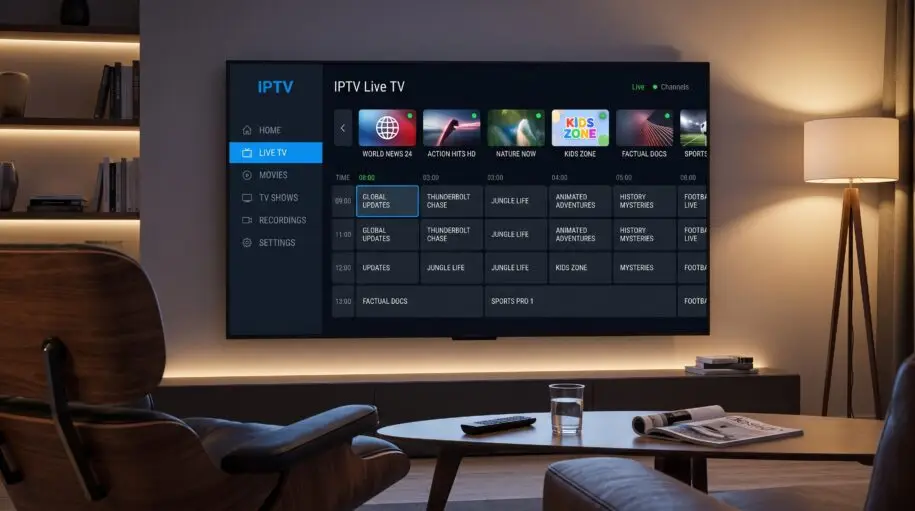
Smart TV IPTV: Complete Guide to IPTV on Your Smart TV
If you’re looking for a simple way to watch live television and digital entertainment on your television, Smart TV IPTV can be an option worth exploring.
Unlike traditional television services that rely on satellite, cable, or terrestrial signals, IPTV delivers television content through an internet connection. With a compatible Smart TV and a suitable IPTV application, you can access your available channels and content directly on your television.
In this guide, we’ll explain what Smart TV IPTV is, how it works, how to set it up, and what you should look for when choosing an IPTV service.
What Is Smart TV IPTV?
Smart TV IPTV refers to television content delivered over an internet connection and watched directly through a compatible Smart TV or streaming device.
IPTV stands for Internet Protocol Television. Instead of receiving television programming through a traditional broadcast signal, IPTV uses internet-based delivery.
Depending on the service and your subscription, an IPTV platform may provide access to features such as:
- Live TV channels
- Electronic Program Guide (EPG)
- HD and Full HD streaming
- On-demand content
- Different channel categories
- Multiple supported devices
The exact channels and features available depend on the IPTV provider and subscription plan.
How Does IPTV Work on a Smart TV?
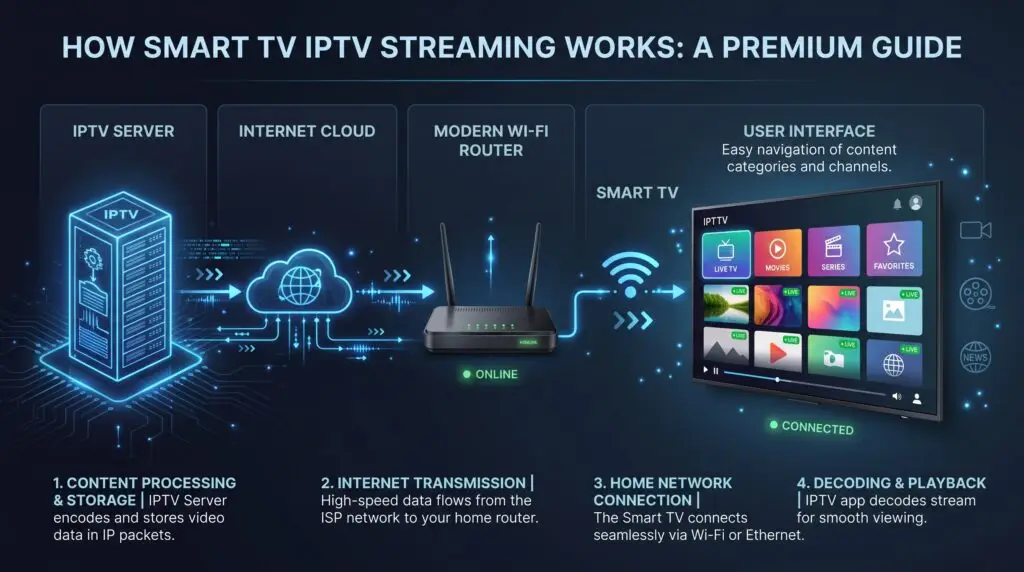
The basic process is straightforward.
You need:
- A compatible Smart TV or streaming device
- A stable internet connection
- A compatible IPTV application
- A valid IPTV subscription or service
Once the application is installed and configured, the IPTV service connects to the provider’s servers and displays the content available with your subscription.
A good internet connection is especially important because video streaming requires consistent bandwidth.
How fast should your internet connection be?
The required speed depends on the video quality and the number of devices using your connection.
As a general guide:
- HD: a stable broadband connection is recommended
- Full HD: a faster and more stable connection is preferable
- 4K: significantly more bandwidth may be required
For the best experience, connecting your Smart TV to your router using Ethernet can provide a more stable connection than Wi-Fi when that option is available.
How to Set Up Smart TV IPTV
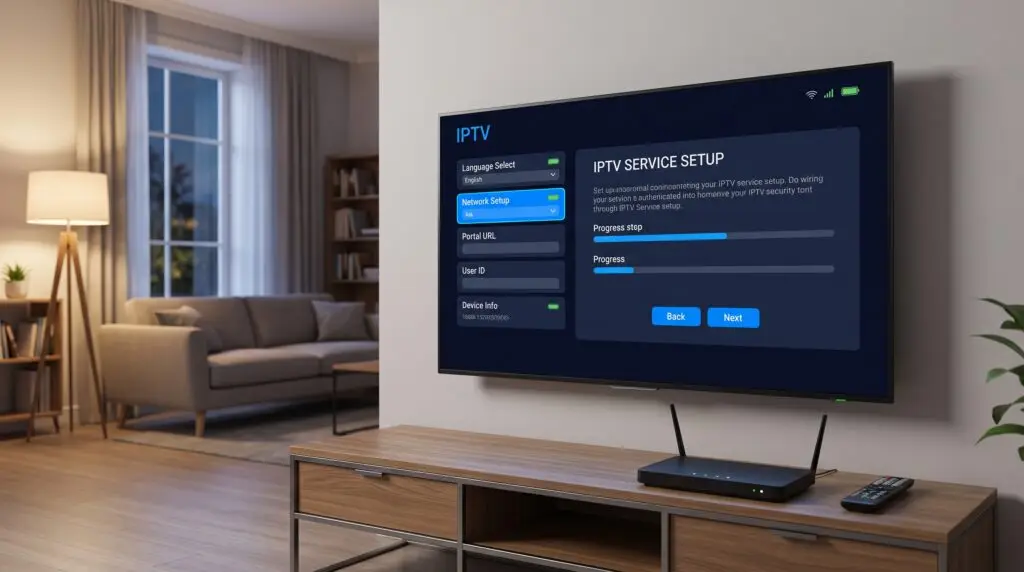
The exact setup process depends on your television model and the IPTV application you’re using, but the general process is similar.
Step 1: Check your Smart TV
Make sure your television supports the IPTV application you intend to use.
Step 2: Install a compatible IPTV app
Open your TV’s application store and search for a compatible IPTV player.
The IPTV player is normally the application used to display your subscription. The player and the IPTV service itself can be separate products.
Step 3: Get your IPTV subscription details
After purchasing a legitimate IPTV subscription, your provider should give you the information required to configure the service.
Step 4: Enter your details
Follow the provider’s instructions to enter the required information into the IPTV application.
Step 5: Start watching
Once everything is configured correctly, your available channels and other content should appear inside the application.
What Should You Look for in a Smart TV IPTV Service?
Not all IPTV services are the same. Before choosing one, consider several important factors.
1. Device compatibility
First, check whether the service works with your particular Smart TV or streaming device.
2. Streaming quality
If picture quality is important to you, look for a provider that clearly explains the available video qualities, such as HD or Full HD.
3. Reliable service
A stable service and reliable servers are important for a good streaming experience.
4. Customer support
Good customer support can make setup much easier, particularly if you’re using IPTV for the first time.
5. Clear subscription options
Choose a provider that clearly explains its available plans, pricing, activation process, and terms.
6. Legal and licensed content
Always make sure that the IPTV provider has the appropriate rights or licenses for the content it distributes in your region.
Smart TV IPTV vs Traditional TV
One of the main differences between IPTV and traditional television is how content is delivered.
| Feature | Traditional TV | IPTV |
|---|---|---|
| Delivery | Cable, satellite or broadcast | Internet connection |
| Internet required | Usually no | Yes |
| Smart TV integration | Depends on provider | Often designed for connected devices |
| Installation | May require additional equipment | Usually app-based |
| Channel guide | Provider dependent | Provider/app dependent |
| Device flexibility | Provider dependent | Often supports multiple compatible devices |
The right option depends on your viewing habits, internet connection, television, and the services available in your location.
Is Smart TV IPTV Right for You?
If you already have a compatible Smart TV and a reliable internet connection, IPTV can provide a convenient way to access internet-delivered television content without relying exclusively on traditional TV infrastructure.
It’s particularly useful for people who prefer watching television through a modern Smart TV interface and want a flexible streaming setup.
However, your experience will depend on your internet connection, the IPTV application, your television, and—most importantly—the quality and legitimacy of the IPTV provider you choose.
Looking for a Smart TV IPTV Subscription?
If you’re ready to explore our available Smart TV IPTV plans, you can visit our homepage to see the service, available subscription options, supported devices, and setup information.
👉 [Explore Smart TV IPTV Plans]
You can also contact us if you need help choosing the right option for your device.
[Get Started with Smart TV IPTV]
Frequently Asked Questions
What is Smart TV IPTV?
Smart TV IPTV is television content delivered through an internet connection and watched using a compatible Smart TV or streaming device.
Does IPTV work on Smart TVs?
Yes, IPTV can work on compatible Smart TVs when a suitable IPTV application and service are available for the device.
Do I need an internet connection for IPTV?
Yes. IPTV relies on an internet connection to deliver streaming content.
Can I watch IPTV in HD?
The available quality depends on the IPTV provider, content source, application, and your internet connection. Some services offer HD and Full HD content.
Is IPTV legal?
IPTV technology itself is legal. However, providers must have the appropriate rights or licenses for the content they distribute. Always use legitimate services and content.
Can I use IPTV on devices other than a Smart TV?
Depending on the service, IPTV may also work on compatible streaming devices, Android TV devices, smartphones, tablets, computers, or other supported platforms.
Leave a Reply