
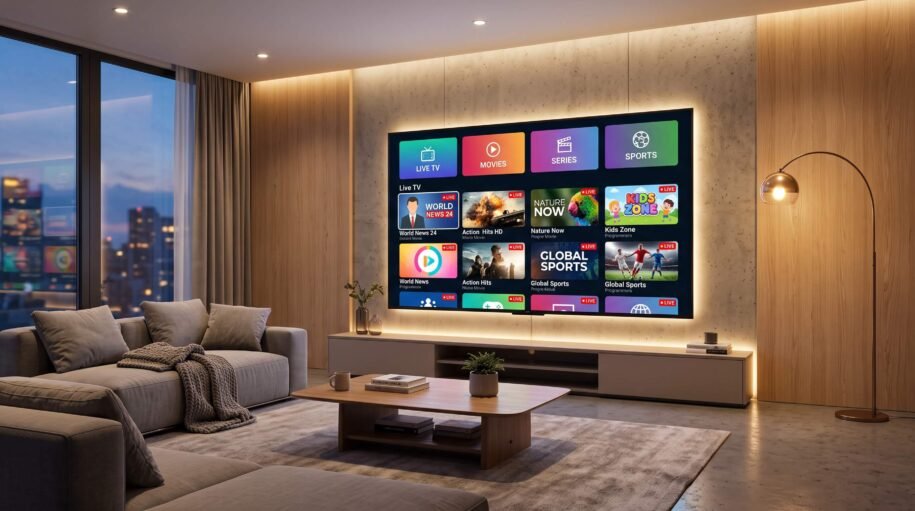
f you’ve been searching for a way to watch live TV, movies, and series without a traditional cable subscription, you’ve probably come across the term Smart TV IPTV. This guide breaks down exactly what it is, how it works, and what to look for before you subscribe to a service — so you can make an informed decision.
What Is Smart TV IPTV?
Smart TV IPTV (Internet Protocol Television) is a way of delivering television content over the internet instead of through traditional satellite or cable connections. Instead of receiving a broadcast signal, your Smart TV streams channels, movies, and series directly through an app or player connected to the internet.
Because most modern televisions come with built-in internet connectivity and app support, Smart TV IPTV has become one of the most popular alternatives to cable — offering access to thousands of live channels, video-on-demand libraries, and international content, often at a fraction of the cost of a cable package.
How Does Smart TV IPTV Work?
Smart TV IPTV works through three main components:
- An IPTV subscription — this gives you access to a list of channels and content (often called an M3U playlist or Xtream Codes login).
- An IPTV player app — installed directly on your Smart TV (or via an external device like a Fire Stick, Android box, or MAG box) to load and organize the channels.
- A stable internet connection — since everything streams over the internet, a reliable broadband connection (ideally 15+ Mbps for HD, more for 4K) is essential for smooth playback.
Once set up, your Smart TV IPTV subscription behaves much like a traditional cable guide: browse live channels, use an electronic program guide (EPG), rewind or pause live TV (if supported), and access on-demand movie and series libraries.
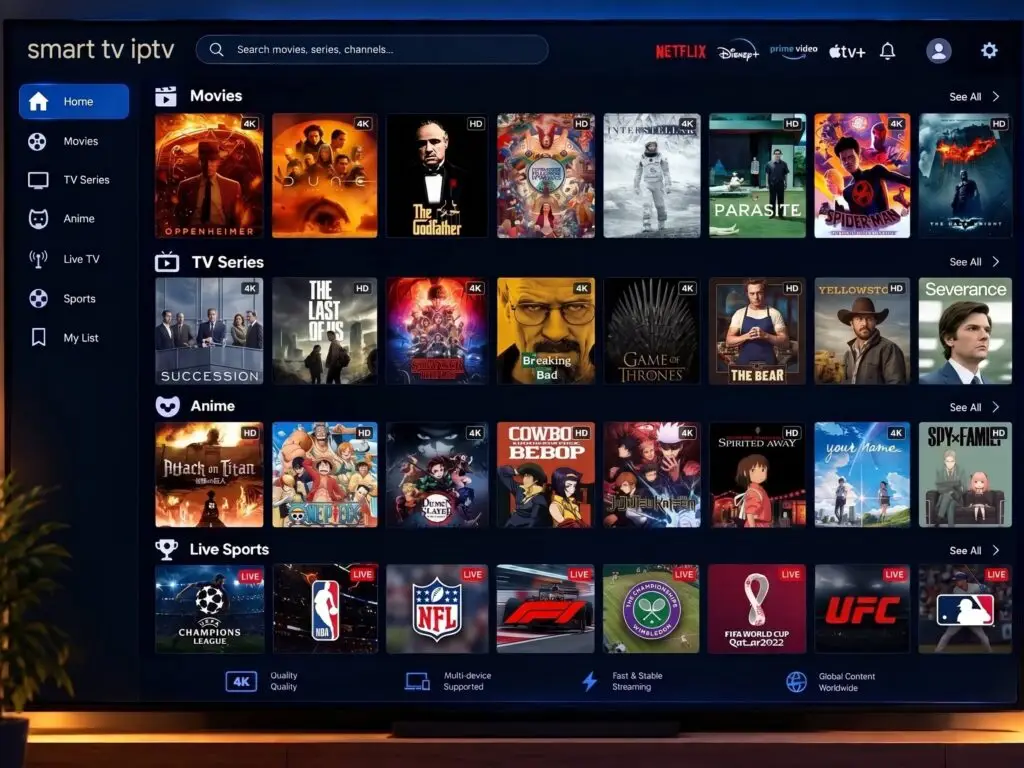
Benefits of Smart TV IPTV
- Lower cost compared to cable or satellite packages
- No hardware installation — no satellite dish or cable box needed
- Huge channel selection — often thousands of live channels from around the world
- Video-on-demand libraries — movies and TV series available anytime
- Multi-device compatibility — works on Smart TVs, phones, tablets, and streaming boxes
- Flexibility — cancel or switch providers without long-term contracts in most cases
What to Look for in a Smart TV IPTV Provider
Not all IPTV services are created equal. Before subscribing, here’s what to check:
1. Stream Stability and Uptime
Buffering and frequent downtime ruin the viewing experience. Look for providers known for stable servers and minimal downtime.
2. Channel and Content Variety
Make sure the channel list actually covers what you want — sports, international channels, premium networks, and an updated VOD library.
3. Compatibility With Your Smart TV
Check that the service supports your TV’s operating system (Android TV, Tizen, WebOS, etc.) or works through a compatible player app or external streaming device.
4. Trial Period
A reputable provider will usually offer a free trial or short test period so you can check stream quality before committing to a longer subscription.
5. Customer Support
Responsive support matters — especially for setup help or troubleshooting playback issues.
How to Set Up IPTV on Your Smart TV
- Choose an IPTV subscription and receive your playlist (M3U link) or login credentials.
- Download a compatible IPTV player app from your Smart TV’s app store (or install one on a connected streaming device).
- Enter your subscription details (playlist URL or Xtream login) into the app.
- Let the app load your channel list and EPG.
- Start streaming — browse live channels or the on-demand library directly from your TV.
Final Thoughts
Smart TV IPTV has changed the way people watch television — offering flexibility, affordability, and a massive range of content without the constraints of traditional cable. Whether you’re looking to cut the cord entirely or simply want more channel variety, understanding how IPTV works and what to look for in a provider will help you get the most out of your streaming setup.
Looking for a reliable Smart TV IPTV subscription? Explore our plans and start streaming today.
Leave a Reply